Python · Fixed-base dynamics
ReDySim Fixed-base
Robot arms, branched robots and closed-loop mechanisms, from a short model file. Run them in the Runner or from Python, and get plots, animations and data.
Download and installTry your first example
Requirements: Linux x86-64 (Windows and macOS coming soon) · Python 3.10 or newer
Video tour
About ReDySim Fixed-base
ReDySim computes the dynamics of multibody systems with recursive algorithms based on the Decoupled Natural Orthogonal Complement (DeNOC). A separately licensed GUI is built on this package, for building and running models with no file to edit.
The package includes 19 fixed-base models; the same download also has the 11 floating-base ones.
Describe where a loop is cut; the loop-closure Jacobians and the inverse kinematics are built for you. A spatial Stewart platform (21 links, 6 actuators, 15 constraints) is one of the examples.
Drive a robot by its end-effector position and full 3D orientation, not just joint angles.
The dynamics run in compiled code: about 5 microseconds per simulation step for a 2-link arm, 12 for a 6-joint arm, and a thousand arms stepped in parallel at roughly 0.75 million steps per second (16 cores).
The Runner
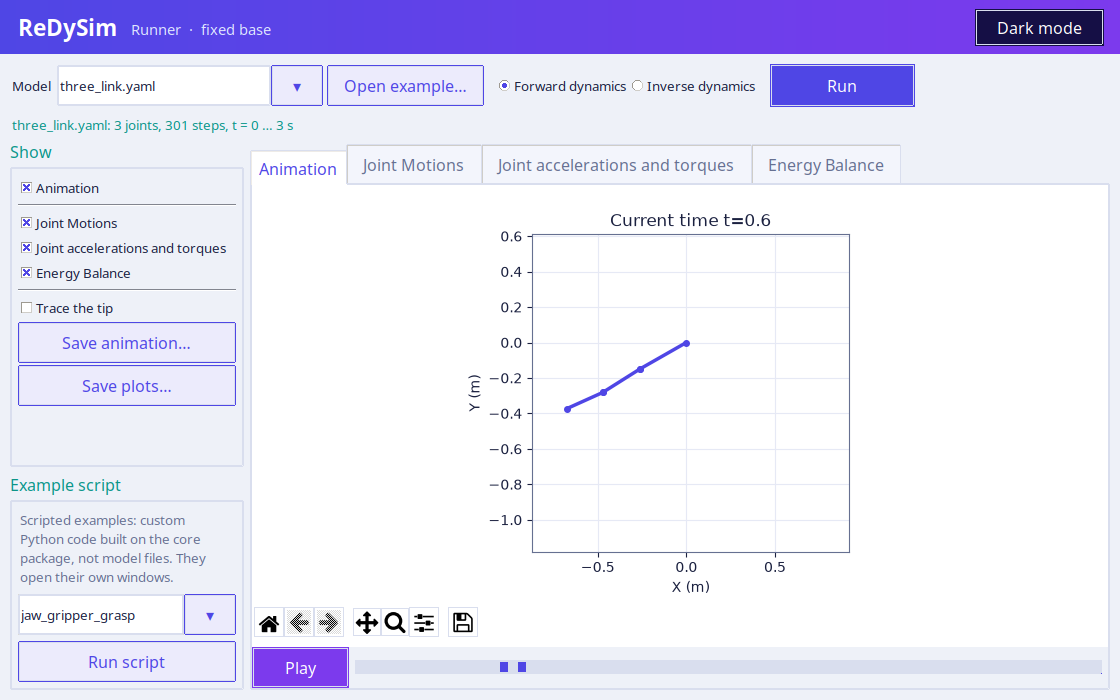
Prefer clicking to typing? redysim --runner opens a window: pick a model, press Run, and
look at the animation and the plots, in light or dark colours, in the same style as the ReDySim
GUI. Save the animation as a GIF or MP4 and the plots as PNG files. It needs nothing extra
(see the manual).
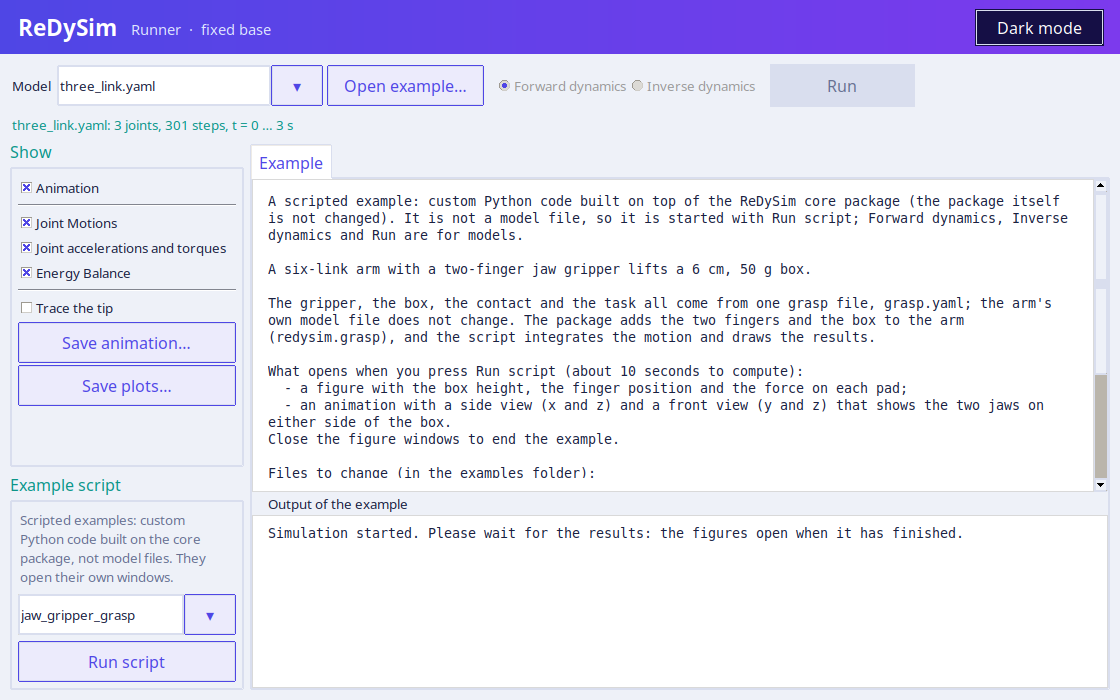
The same window starts the ready-made example scripts, Python code written on top of the package for tasks a model file cannot express: a six-link arm with a jaw gripper that lifts a box (the Kinova pick-and-lift, a closed-loop robot with contacts, runs from the command line). The manual explains each of them in Part 3, Examples built on ReDySim. Pick one in the Example script box and press Run script: an Example tab shows what it does and its printed output, and its figures and an animation open in their own windows.
Next steps
Start from an example and change it into your own robot: links, controller and motion. Angles can be written as pi/2 or radians(90).
Scripts built on the package: grasps, several robots together, your own forces.
Examples built on ReDySimRun many simulations, plot your own graphs and process the results as NumPy arrays.
Appendix B, PythonLicence
Free for research, teaching and other non-commercial use, under the PolyForm Noncommercial License 1.0.0. The download, with both simulators, is on the Install page.